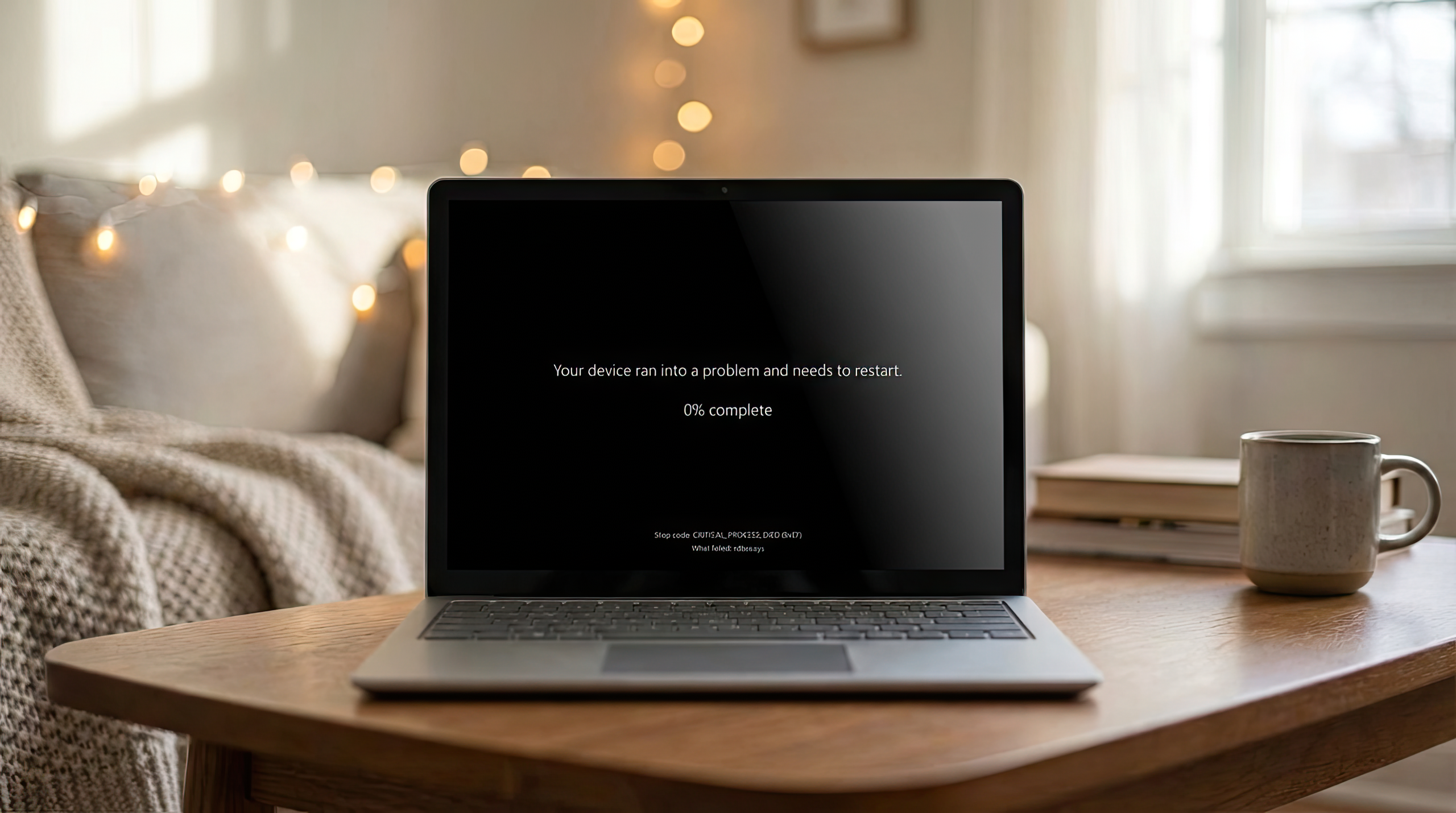
If you haven’t tried gaming with Linux, time is good if your windows install just bricked itself.
Windows 10 forced an update on me yesterday in the middle of a game. After 30 minutes of it being stuck at 80% I said fuck it and rebooted. It’s time to pull the trigger and get off of dual booting.
When I switched to Mint, I waited 1.5 months to see if I would ever boot back into my Windows partition. I did exactly one time and it wasn’t even worth it, so I was pretty happy when I got to nuke that partition and get my storage space back haha.
For those experiencing issues with boot failures, we had to put together a whole new guide on how to fix it. While we wanted this out earlier, it takes a few hours to research and write it all up
but people say Windows doesn’t require any tinkering! only Linux does! /s
We have W11 pro for work, it is janky AF. And I keep having to deplete the office AI.exe and aimgr.DLL stuff, otherwise it hogs the CPU, even when not using office.
Put it on eBay for $10 so we can buy these for servers.
It’s unclear why January’s security update for Windows 11 has been so disastrous.
Vibe coding …
They can’t stop winning.
Microsoft trained people into believing that updates are dangerous.
Vibe coding. Not even once.
My work schedule is 100% full and really dont have time for this. I hate windows so much its unreal
My conclusion: If you want a stable computer then you should disable Windows updates: https://www.sordum.org/9470/windows-update-blocker-v1-8/
For anyone reading this, this is terrible advice. The most important that you can do to keep your windows (if you insist on windows) computer secure is to keep it up to date.
This applies for any operating system. Security flaws are constantly being discovered and the security updates are those flaws being fixed.
It’s an older study but the thing security experts said was most important was installing security updates in a prompt manner.
The thing non experts said was important was having an antivirus.
https://www.tomshardware.com/news/security-experts-vs-non-experts,29665.html
If your leg hurts amputate it…
Updates are security features. If you plan to connect your computer to a network do not disable updates. If your os updates brakes your computer, change your os.
if said security updates make the software unusable they are not security updates, they are failures
I don’t think so, what’s more secure than a computer that doesn’t turn on?
One that doesn’t turn on, has been encased in concrete, and dropped to the bottom of the ocean.
Next windows update will just corrupt all your data for your safety, but not before uploading it to their unencrypted servers